

Check the setup:
1. Pre-heat the thermopad (press the "E" to turn on the pad)
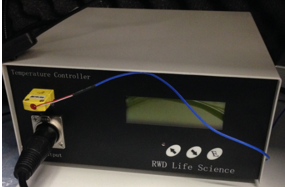
2. Connect TDT battery and the two plugs (TO BASE, black to black, gray to gray). Power on.
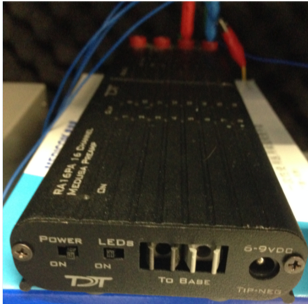
3. Connect the sound cable to the detecting machine.
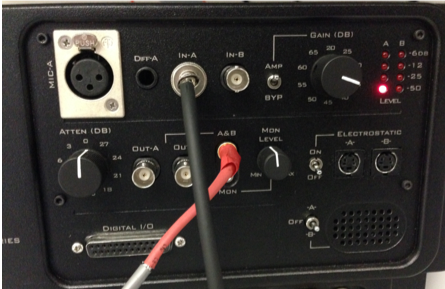
Prepare for ABR recording:
1. Check the tympanic membrane to clarify if the rat is of normal hearing or not. Lay the rat on side. When checking the left ear's tympanic membrane, it is better to place the rat upside down.
2. Apply eye gel (Lubrithal) to keep the eyes from drying.
3. Fix the ear tubes (from one side to the other side). Lay the rat down with its head at 6 o'clock and the tail at 12 o'clock. Firstly insert the right hand side ( the rat's left ear) of the ear tube from 2 o'clock angle and then pull backward to 3 o'clock position, insert a little inside to feel the ear tube is really inside the outer ear of the rat. Hold the rat's head with finger tips, and do the same procedure to the right ear of the rat. Finally adjust the position a little bit and fix the two ear tubes and the teeth fixer. If necessary, replace the left ear's tube. Make sure that the rat's head, body, and tail are in straight line.
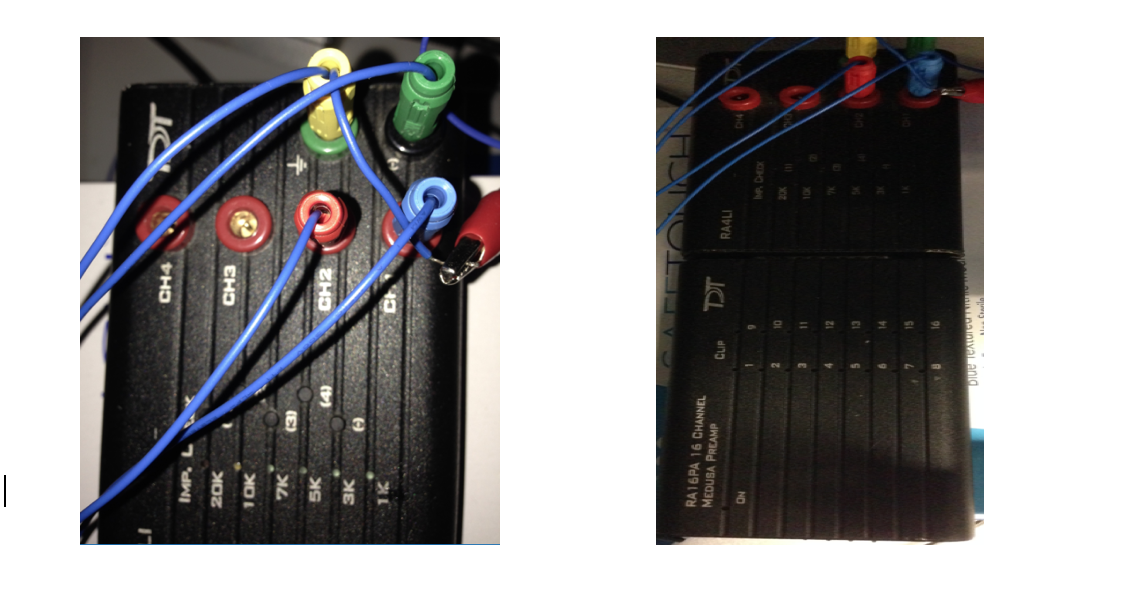
4. Place the recording needles subcutaneously. The position of the recording needles: tail (ground), head ( reference), left ear bullar (CH1), right ear bullar (CH2). Remember to connect the ground to the frame (usually to the head holder).
update 1/24/2022: blue -> left, green -> right, black with tape -> tail, black -> head.
5. Check the impedance of CH1 (left brainstem) and CH2(right brainstem). When you press the CH1 and CH2 button, 1K should light constantly. If CH3 and CH4 are flicking, it is normal because they are not connected.
6. Connect the earphone
Run the ABR Recording Program:
1. Run MATLAB. Windows→start→MATLABR2010a
2. Select C:\ Users\colliculus\electrophys\ABRstuff in Current folder .
3. loadCalib('C:\Users\colliculus\electrophys\acousticCalibration\FeiCalibV2').
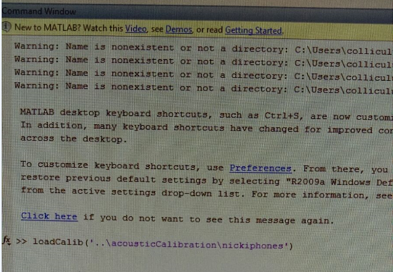
4. Tesk click ABR: stim = leftClickSeries(80,10,100) [# (min, step, max)];
if recording the right side, stim = rightClickSeries(50,10,90).
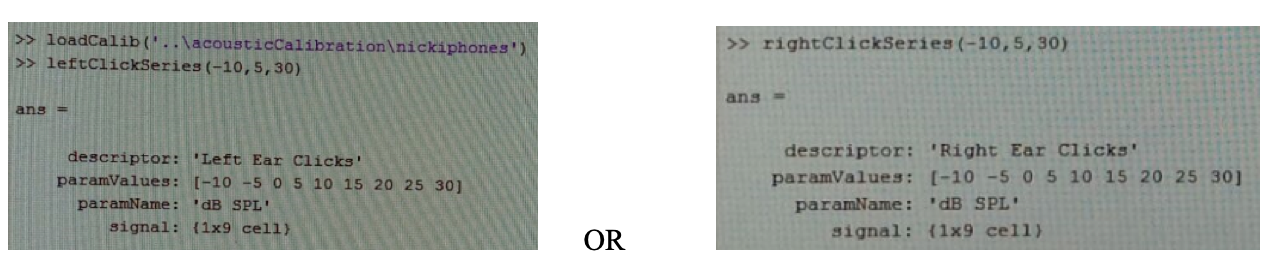
5.Test pure tone ABR: stim = leftToneSeries(50,10,90,12000)[# (min, step, max, basefreq)]; (freq: 3k, 6k, 12k)
if recording the right side, stim = rightToneSeries(80,10,100,12000).
6. To run the ABR recording program, type ABR_L = recordABRseries(400, 23)[#(sweeps, inter stimuli interval)];
if recording the right side, ABR_R = recordABRseries(400, 23).
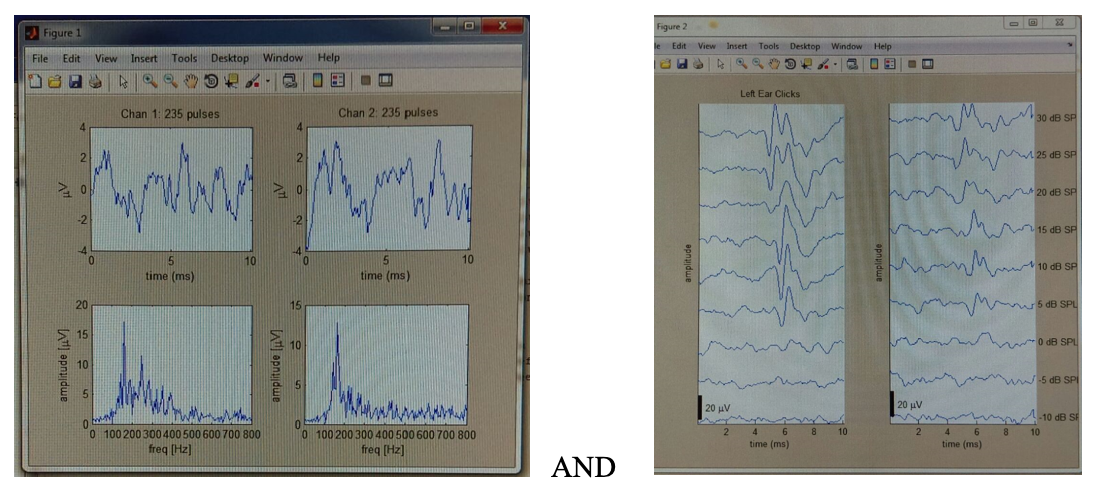
Enter (to start recording). Figure 1 and Figure 2 will pop up.
7. When recording is ended, "Do you want to save data (y/n)?". To save, type letter y; to scart, type letter n.
8. Key in the filename. (Example: 20220124_ABR_R_click_80100) [# recdate_ABR_recside_click/pure-tone freq_range]
9. Enter (to save)
10. Save the figure manually in folder ABRfigures.
11. remeber to close all
12. After recording, always recharge the battery. Mind that only 6 V can be used for Recharging!!!